

 Python SDK
 JavaScript SDK
- List datasets — discover what data is available
- Ask questions — query datasets with natural language and get grounded answers
Prerequisites
- TopK account (Sign up here)
- TopK API key (Get API key here)
Authentication
To authenticate with the MCP server, you need to provide yourTOPK_API_KEY.
Setup
- Claude Code
- Codex
- Claude Desktop
- Cursor
aws-us-east-1-elastica
aws-eu-central-1-monstera
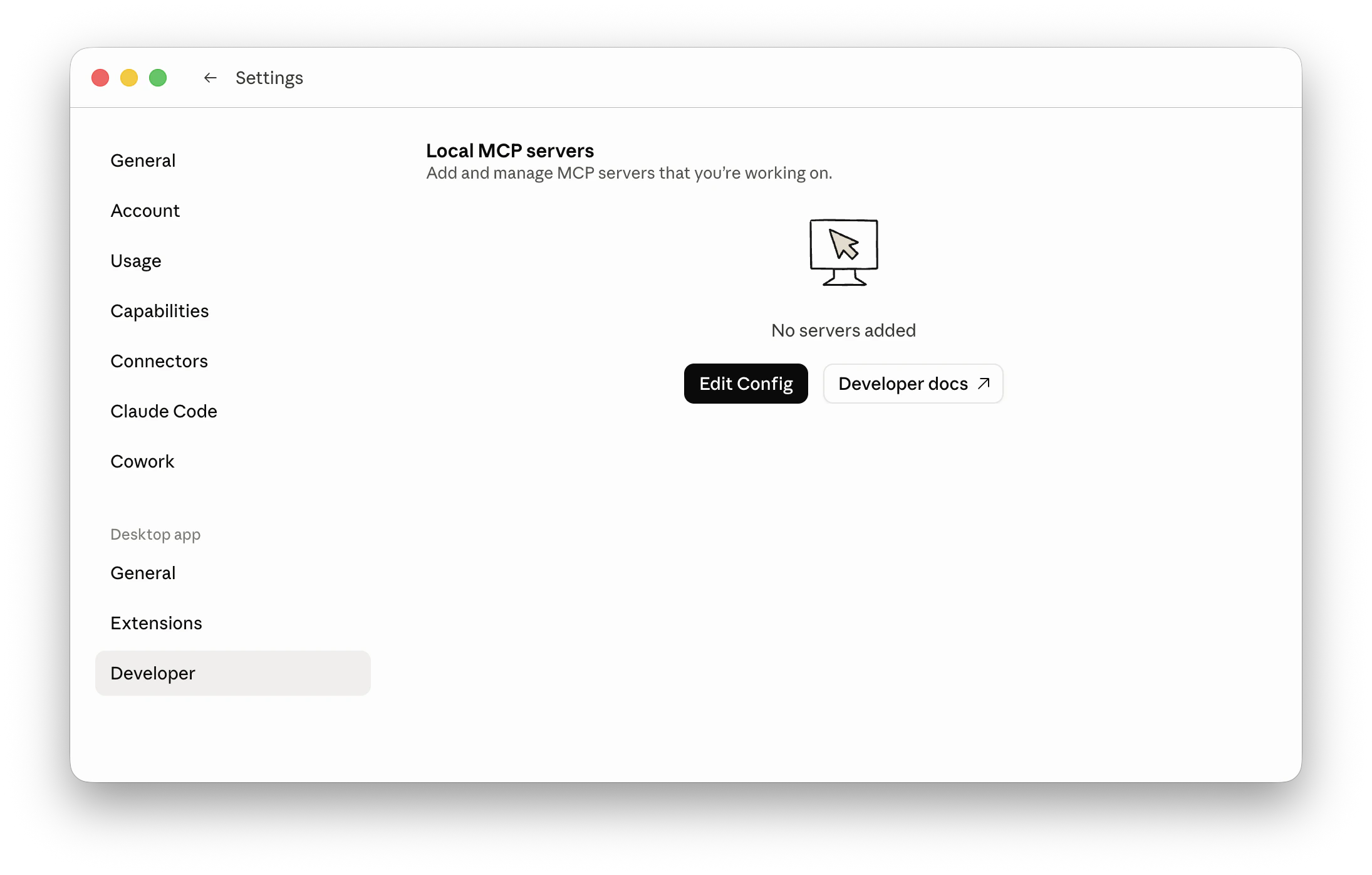
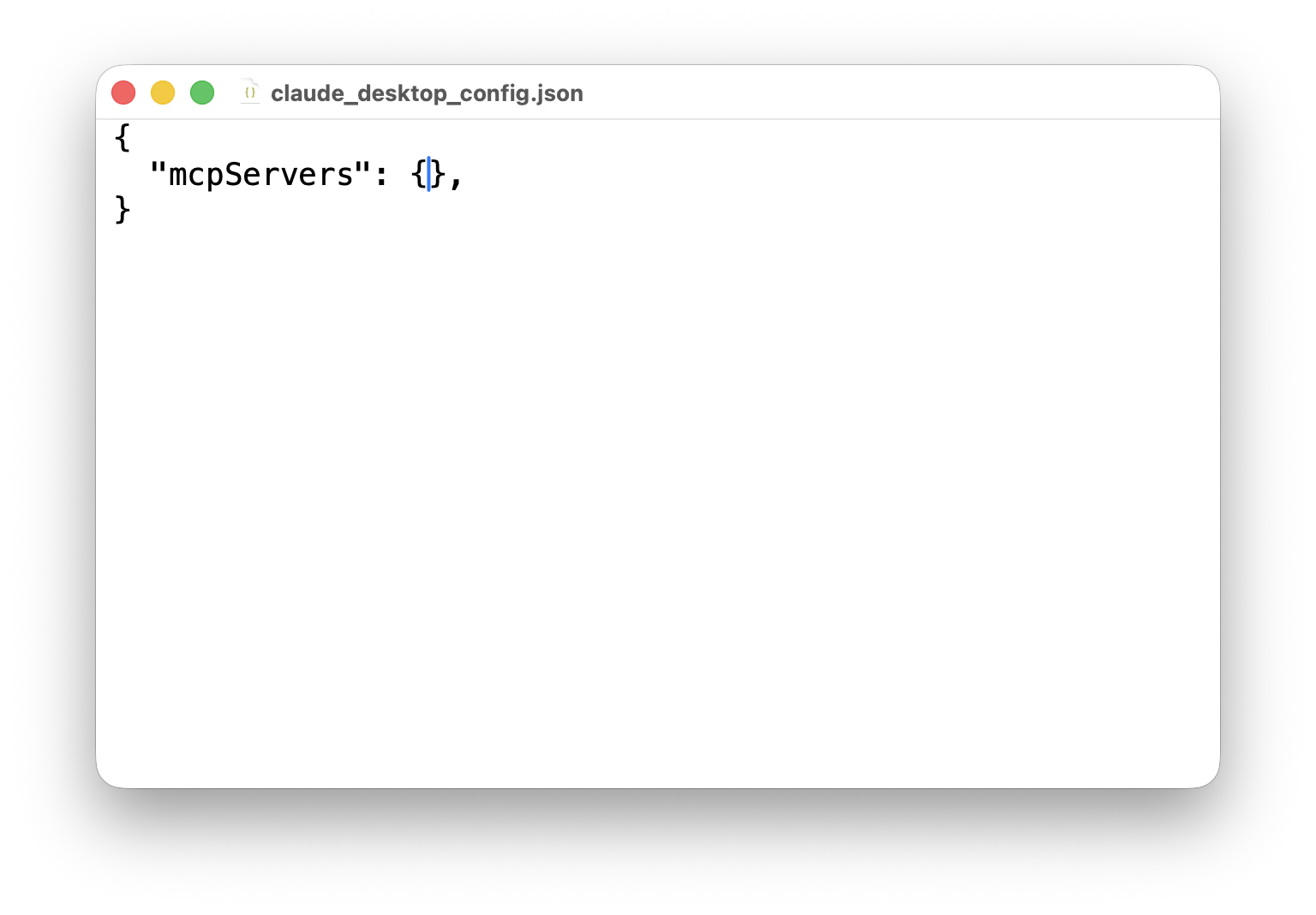
TopK MCP server is region-specific. See available regions here.
Available tools
Once connected, your agent will have access tolist_datasets and ask tools.
Agents typically follow this flow:
- Call
list_datasetsto discover what datasets are available - Select one or more relevant datasets
- Call
askwith a natural language query and the selected datasets
list_datasets
Lists all available datasets in your TopK project. The agent should call this first to discover what data is available before answering any data-related questions.
ask
Queries one or more datasets using natural language and returns a grounded answer.
These ask modes are supported:
- auto (default) — chooses the best mode based on the provided query
- summarize — gathers information from the datasets and returns a concise answer
- research — multi-step search and reasoning, best for analytical or comparative questions